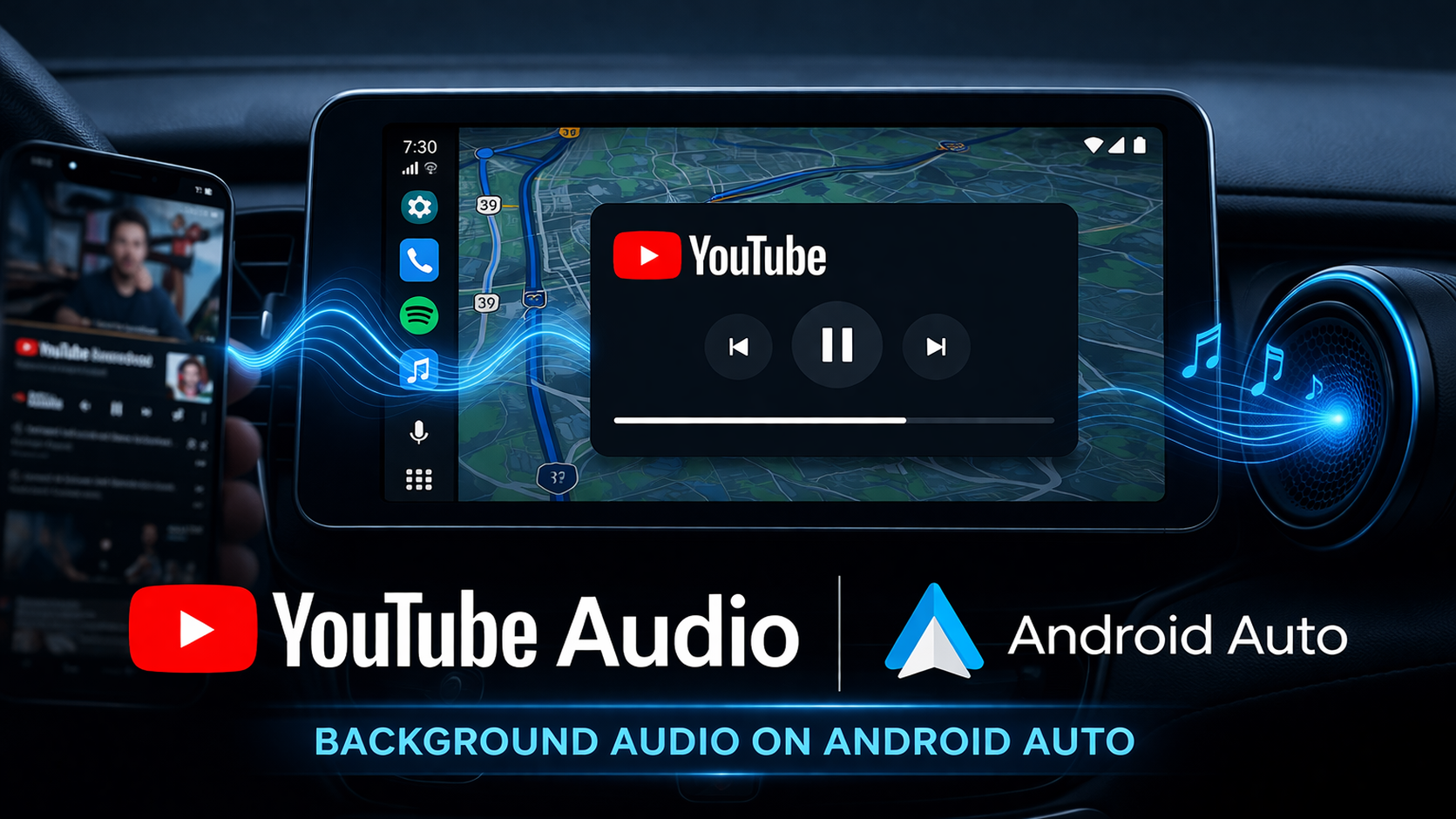
New YouTube Background Audio Integration for Android Auto Changes Your Commute
For years, Android Auto users have faced a specific frustration: the seamless integration of video-centric content into a driving environment. While YouTube Music has long been a staple of the dashboard, the main YouTube app remained a bit of a “walled garden” due to safety regulations and interface limitations. However, a significant shift has arrived. YouTube added auto background audio controls for Android devices, specifically catering to Premium subscribers who want to listen to their favorite creators, podcasts, and video essays without the screen being active.
This update marks a pivotal moment for Google’s ecosystem, bridging the gap between mobile consumption and automotive safety. In this article, we’ll dive deep into what this feature entails, why it’s a game-changer for commuters, and how you can make the most of it.
The Big Shift: YouTube Added Auto Background Audio Controls for Android
The latest update to the YouTube app and the Android Auto interface brings a long-awaited feature to the forefront. Previously, if you were playing a video on your phone and connected it to Android Auto, the audio would often cut out or become difficult to manage once you navigated away from the media screen.
Now, with the integration of background audio controls, YouTube functions more like a native audio app. When you are a Premium subscriber, the YouTube app now populates the media widget on your Android Auto home screen. This means you can play, pause, and skip through your YouTube video queue directly from your car’s head unit, even while your GPS navigation is front and center.
Why This Matters for YouTube Premium Subscribers
The core of this update is convenience and safety. By ensuring that YouTube added auto background audio controls for Android, Google is acknowledging that a large portion of YouTube content is consumed “eyes-off.”
Key Benefits of the Update:
- Seamless Transitions: Start a video in your house, hop in the car, and the audio picks up exactly where you left off through your car’s speakers.
- Persistent Controls: No more fumbling with your phone at a red light. The play/pause and track-skip buttons are now part of the Android Auto “Media Center.”
- Safety First: By integrating these controls into the dashboard, drivers can keep their eyes on the road while managing their “watch later” list as an “audio later” list.
- Multitasking: You can now run Google Maps or Waze in full-screen mode while the YouTube audio controls remain accessible in the bottom multi-tasking bar.
How to Access the New Controls
To see these changes, you must ensure your software is up to date. This feature is rolling out server-side but requires specific versions of both the YouTube app and the Android Auto system app.
- Check Subscription Status: Ensure you are signed into an account with an active YouTube Premium subscription. Background play is a core Premium perk.
- Update Your Apps: Visit the Google Play Store and update the YouTube app and Android Auto.
- Connect to Your Vehicle: Plug in via USB or connect wirelessly.
- Select the Media Icon: Tap the “Media” icon on your Android Auto dashboard. You should now see YouTube listed as a source alongside Spotify or YouTube Music.
People Also Ask (Google FAQ)
To provide the most comprehensive guide, we’ve gathered the most common questions from Google’s “People Also Ask” regarding YouTube and Android Auto.
Can I play YouTube videos on Android Auto?
For safety reasons, you cannot watch video content on your car’s dashboard screen while the vehicle is in motion. However, with the latest update where YouTube added auto background audio controls for Android, you can stream the audio from any YouTube video seamlessly through the Android Auto interface.
Why doesn’t YouTube play in the background on Android Auto?
If the audio stops when you switch apps, it is likely because you do not have a YouTube Premium subscription. Background play is an exclusive feature for Premium members. Additionally, ensure that “Background Play” is enabled in your YouTube app settings under Settings > Background & Downloads.
Is YouTube Premium required for Android Auto audio?
Yes. While Android Auto supports many free audio apps (like Spotify Free or iHeartRadio), the specific ability to play the audio from the main YouTube app in the background is a feature tied to YouTube Premium’s “Background Play” functionality.
How do I control YouTube audio from my car’s dashboard?
Once connected to Android Auto, open the media switcher (usually a headphones icon). Select YouTube. You will then see the current video playing with simplified controls: Play, Pause, Back, and Forward.
The Evolution of the In-Car Entertainment Experience
The fact that YouTube added auto background audio controls for Android highlights a growing trend: the “Podcast-ification” of YouTube. Millions of users treat YouTube as a secondary-screen experience, listening to commentary, news, and educational content.
By bringing these controls to Android Auto, Google is effectively turning the world’s largest video library into the world’s largest audio library for drivers. This move puts YouTube in direct competition with traditional radio and dedicated podcast apps like Pocket Casts or Apple Podcasts.
Tips for the Best Experience
To make the most of your YouTube background audio while driving, consider these optimization tips:
- Create a “Driving” Playlist: Before you start your engine, add the videos you want to hear to a specific playlist. Android Auto allows you to browse playlists via voice command or a few taps.
- Use Google Assistant: You can say, “Hey Google, play my ‘News’ playlist on YouTube,” and the new background controls will automatically engage within the Android Auto UI.
- Mind the Data: Streaming video (even if you are only listening to the audio) can consume more data than a standard high-quality audio stream on Spotify. If you have a limited data plan, consider lowering the video quality in the YouTube app settings before connecting.
Conclusion
The announcement that YouTube added auto background audio controls for Android is a major win for the millions of YouTube Premium subscribers who spend significant time behind the wheel. It represents a smarter, safer, and more integrated way to consume content. No longer do you have to choose between your navigation and your favorite creator’s latest upload.
As Google continues to refine the Android Auto experience, we can expect even deeper integration. For now, ensure your apps are updated, buckle up, and enjoy a much-improved audio experience on your next trip.